A mixtape is a conversation, one Tune at a time.
On TuneFirst a mixtape is a playlist you make on purpose, alone or with a friend. You take turns or add freely, give it liner notes, and when it is finished you can send it to Spotify or share a link.
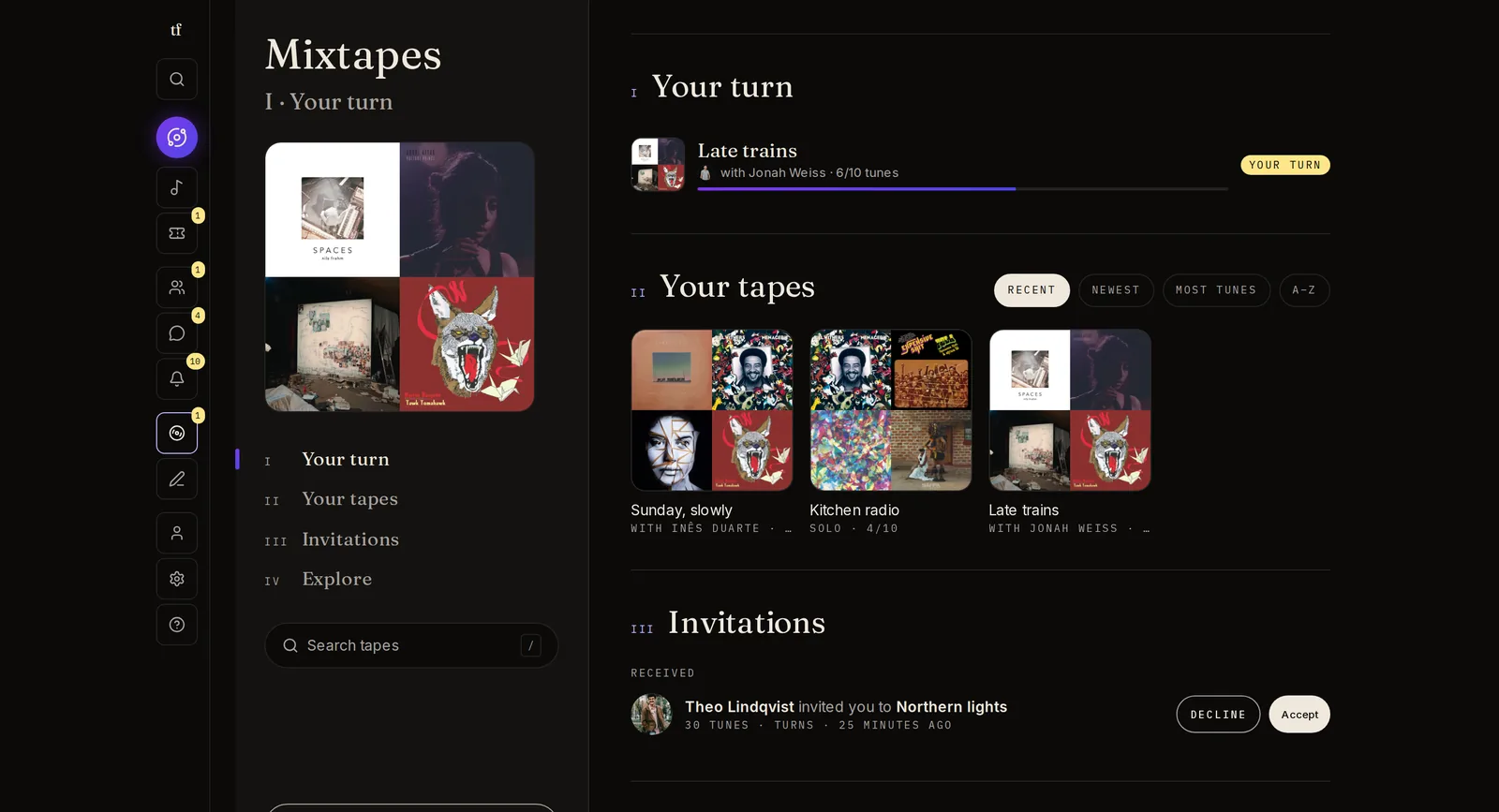
How a tape is made
You set the rules when you start. The tape keeps track of the rest.
- 01
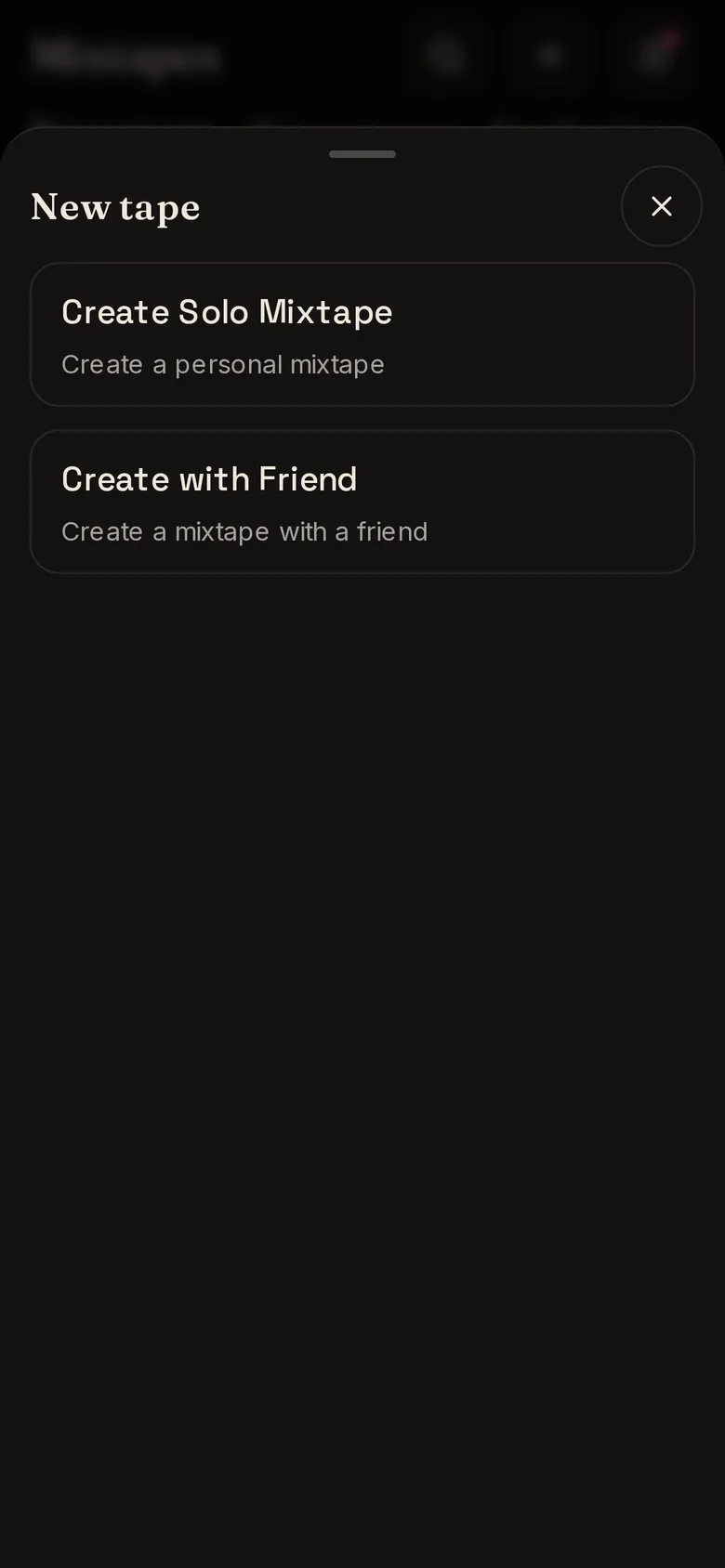
Solo or with a friend
Make one for yourself, or invite one of your people. They accept or decline the invitation.
- 02
Choose the shape
Name it, choose how many Tunes it holds and who can see it.
- 03
Turns or free
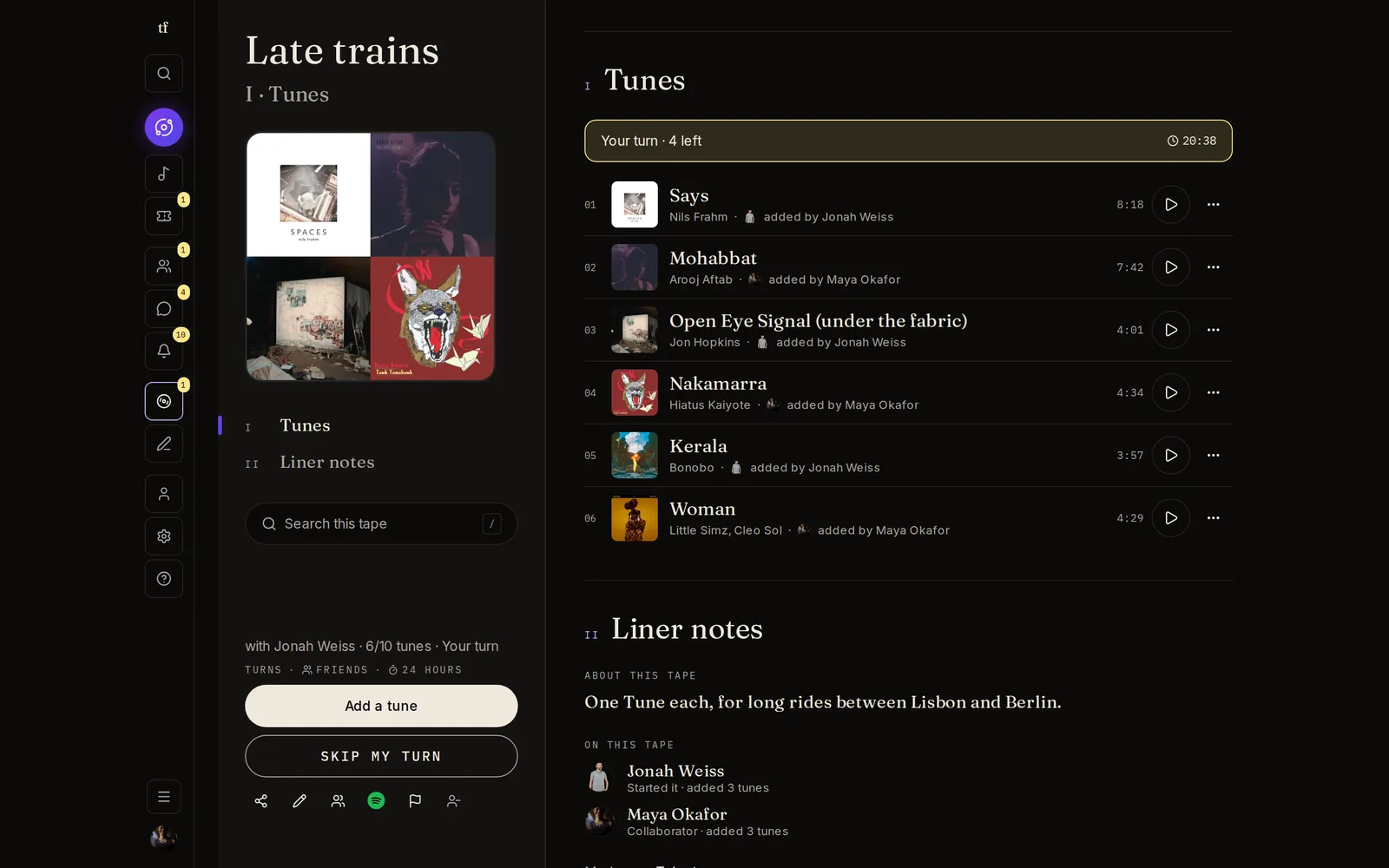
Take turns, with a time limit per turn from an hour to three days, or let both of you add whenever you like.
- 04
Your turn
The tapes waiting on you sit at the top of the page, and a badge tells you when it is your move.
Liner notes and comments
A tape is more than its tracklist.
- 01
Liner notes
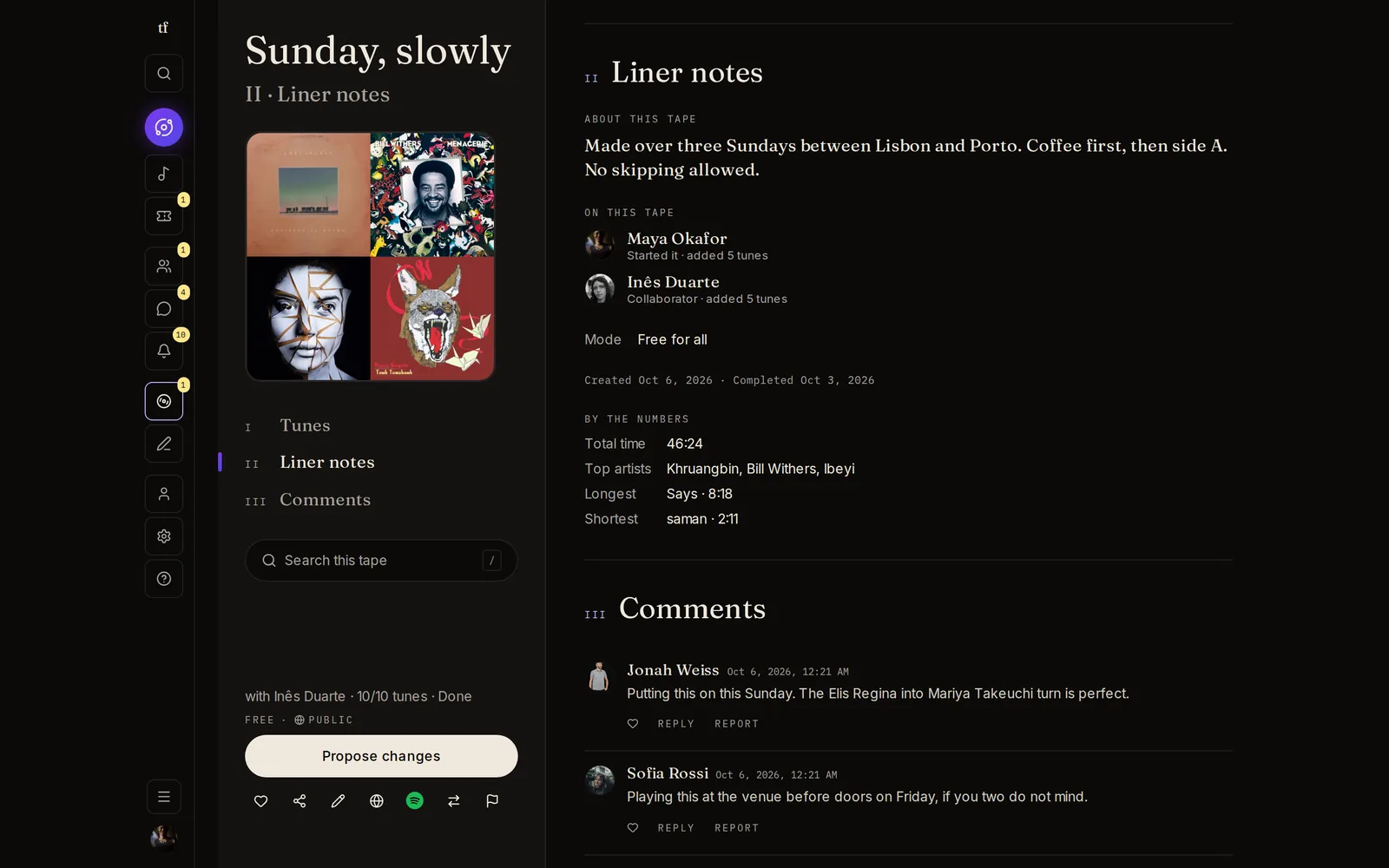
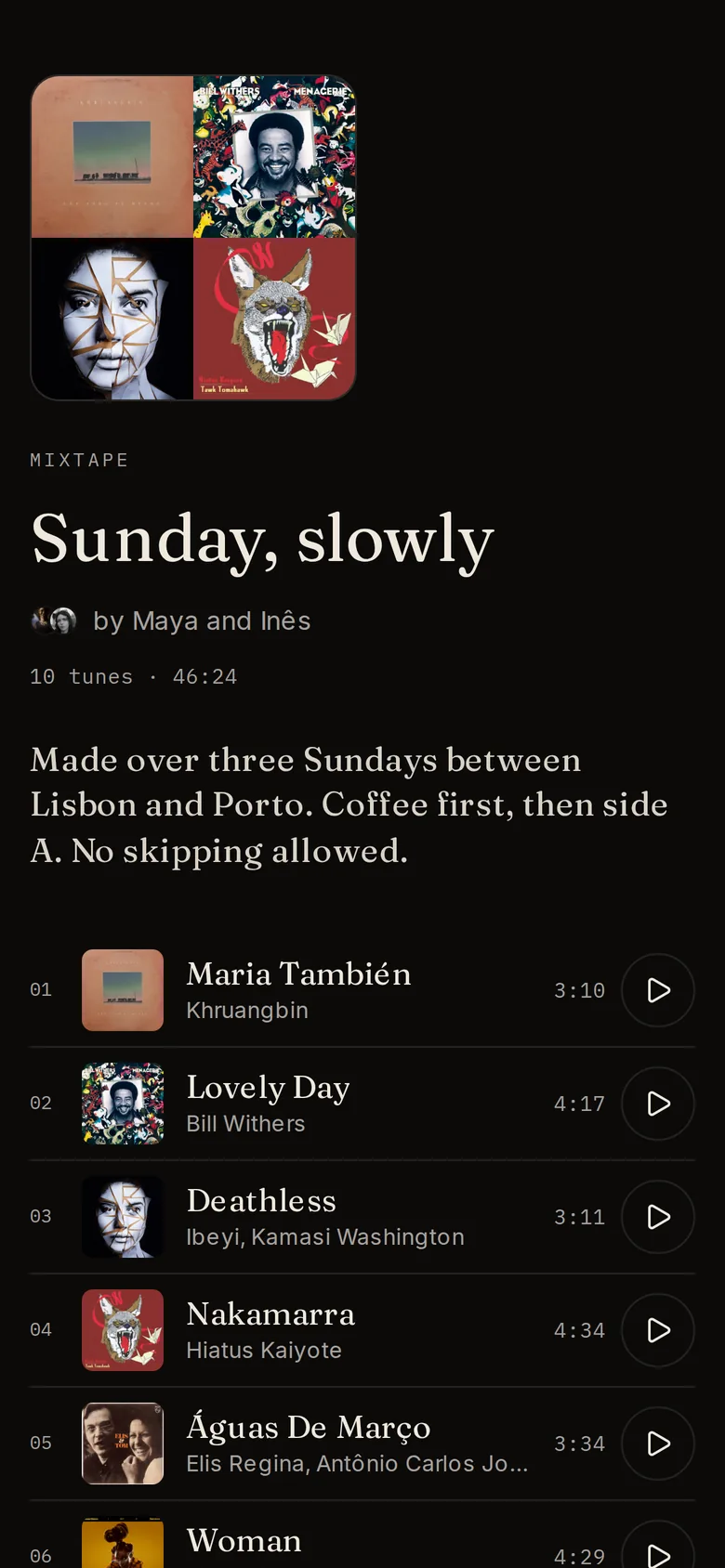
A few lines on what the tape is about, who is on it and how many Tunes each of you added, and its running time and top artists.
- 02
Play as you go
Every Tune plays inline, so you can hear the tape while you build it.
- 03
Comments
Once a tape is finished, people who can see it can like it and leave comments.
Finished means finished
A finished shared tape stays the thing you made together.
- 01
Propose, then approve
After a shared tape is complete, changes are proposed by one of you and approved by the other.
- 02
Send it to Spotify
Connect Spotify and export the tape as a playlist in your account.
- 03
Share a link
A finished public tape has its own page anyone can open, no account needed.
- 04
Explore
Save tapes you like and browse finished public tapes from the community.
Make one for someone.
Start a tape alone or with a friend. TuneFirst is free.