Find your people through the music.
On TuneFirst you meet people one at a time, because of music you both chose: new friends, someone to go to a show with, someone to play with. You start with a note, and a conversation follows.
Whoever you are looking for
Tell TuneFirst what brings you here, and use it to find people who want the same.
- 01
Friends
People whose collections overlap with yours, nearby or anywhere in the world.
- 02
Concert company
Mark shows as Going and see which of your people are going too. Shows.
- 03
Music buddies
Someone to trade Tunes with, make a mixtape with, argue about an album with.
- 04
Near you
Search people in your city, or anyone near the city on your profile.
For people who play
If you play or make music, say so. Your skills sit on your profile, and others can search for them.
- 01
Up to ten skills
Instruments, voice, production, engineering and more. Add them when you join or later.
- 02
Searchable
Search people by music skills, together with city and the music they love.
- 03
Shared taste first
You see what you have in common before you reach out, so you know you would like the same kind of band.
TuneFirst does not run groups, forums or job boards. It connects people one to one.
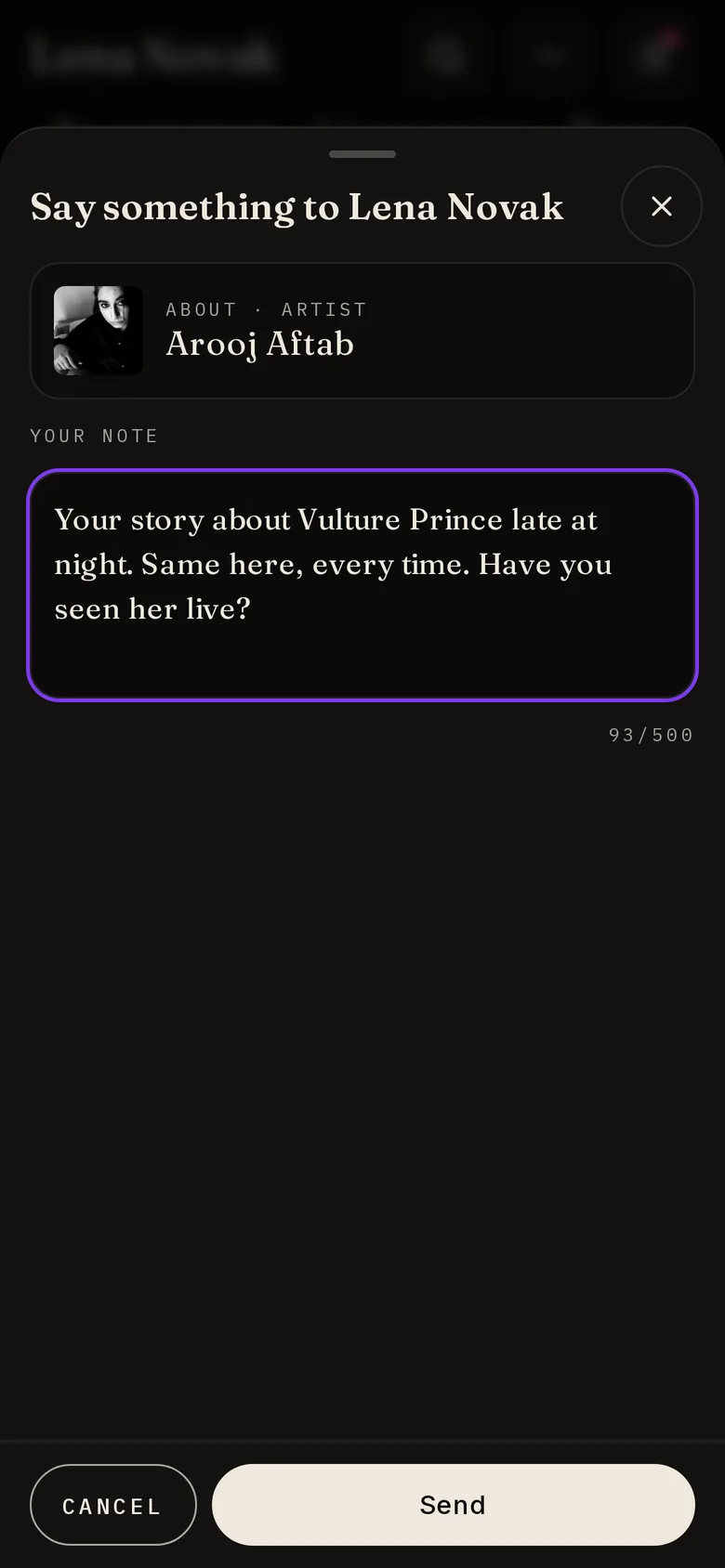
Connect with a note
Every connection starts with a few words, so nobody gets a blank request.
- 01
Say why
Choose a Tune, album, artist, story or genre you share and write a few words about it. A suggested first line helps if you are stuck.
- 02
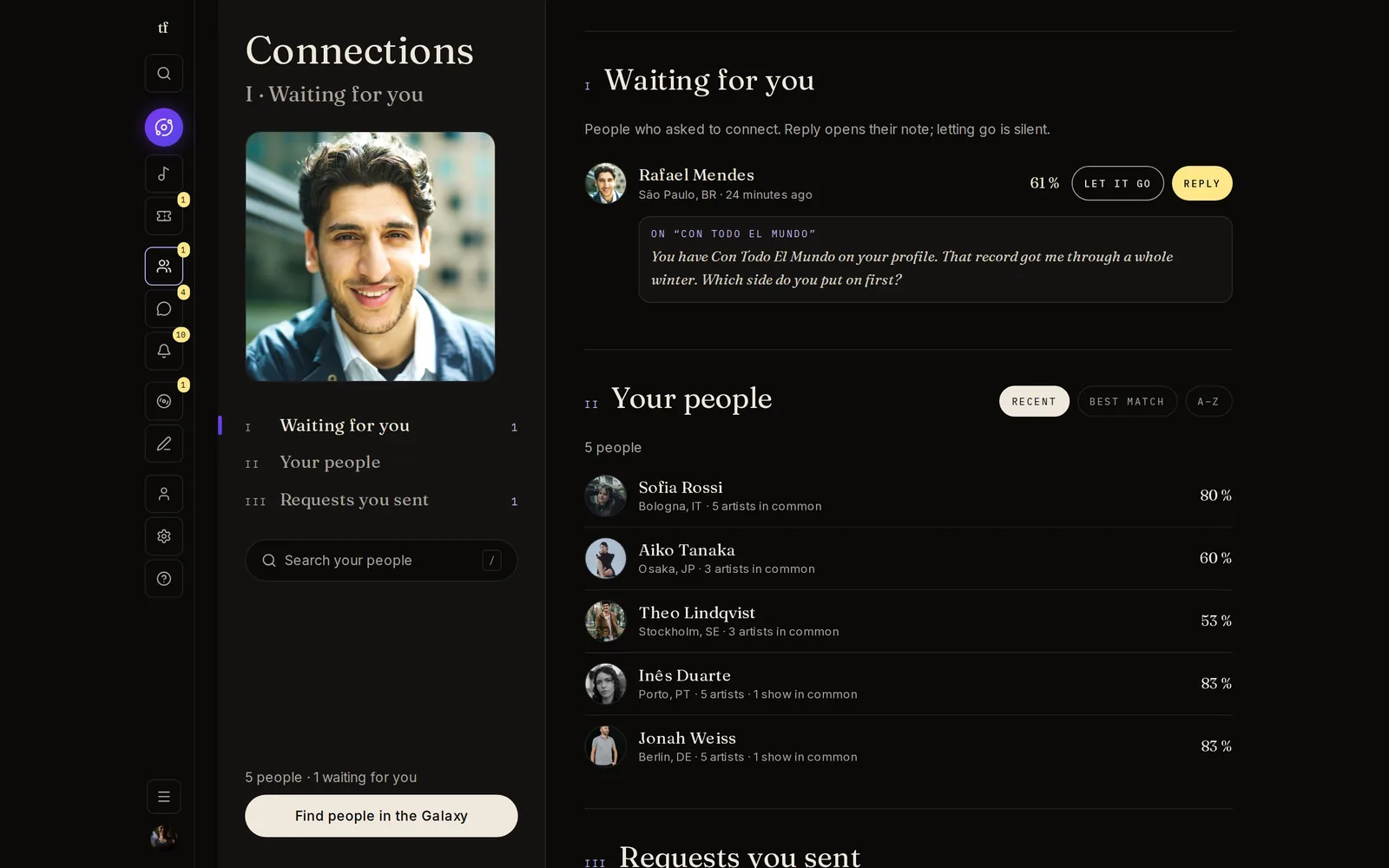
They reply, or let it go
A reply opens a chat with your note at the top. "Let it go" is silent: nobody is told no.
- 03
Take it back
Changed your mind? You can take back a request until it is answered.
- 04
One place for it all
Connections shows who is waiting for you, your people with what you share and your match, and the requests you sent.
Then talk
Chats are built for music.
- 01
Tunes that play
Share a Tune and it plays in the conversation.
- 02
Photos, voice and audio
Send photos, record a voice message, or share an audio file.
- 03
Make a tape together
Once you are connected, start a mixtape from the chat.
- 04
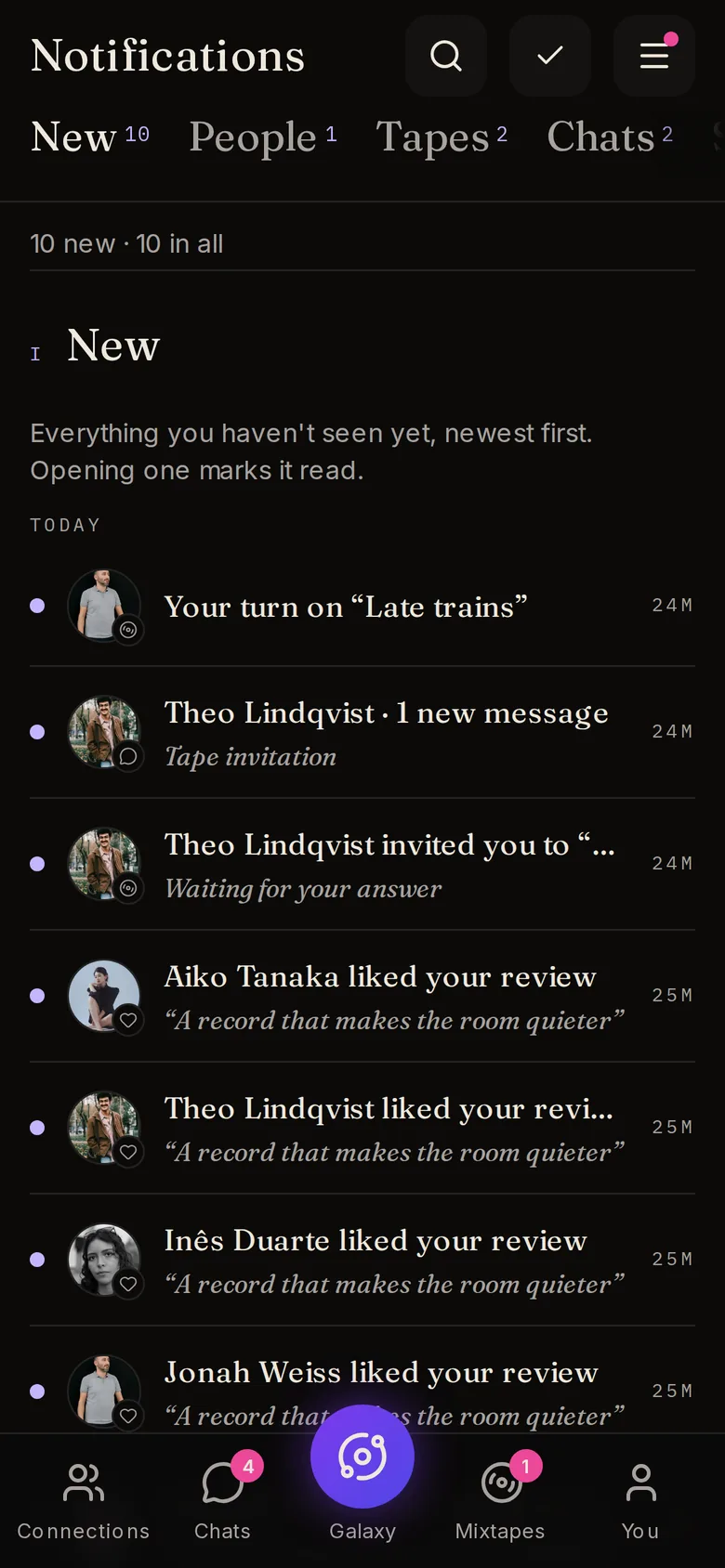
Calm notifications
New first, then People, Tapes, Chats, and Shows & reviews. A busy chat is one line.
Safe by design
You stay in control of who reaches you.
- 01
Block means gone
A blocked person disappears from your Galaxy, chats, search and notifications, both ways, and any connection between you ends. Unblocking never reconnects you.
- 02
Report
Report a profile, message or post. Reports are reviewed by people.
- 03
Your privacy settings
Choose who sees your city, age, music and more. Privacy on profiles.
Someone out there loves that album too.
Pick your music and send the first note. TuneFirst is free.