Pick your music. Meet your people.
Joining TuneFirst takes a few minutes: you sign in, answer a short set of cards one question at a time, and choose the Tunes, albums and artists you love. Then TuneFirst shows you who shares them.
From sign-in to your Galaxy
Every card asks one thing. Most are optional, and you can change any answer later.
- 01
Sign in
Use Google, Spotify or a code sent to your email. TuneFirst opens at app.tunefirst.online in any browser. You must be 18 or older to join.
- 02
Tell us a little
Your language, a name and a username, your birthday (others only ever see your age, never the date) and what brings you here: friends, concerts, making music, discovering music, dating.
- 03
Add what you play, if you play
Instruments and other music skills, up to ten, plus an optional line about you and your city.
- 04
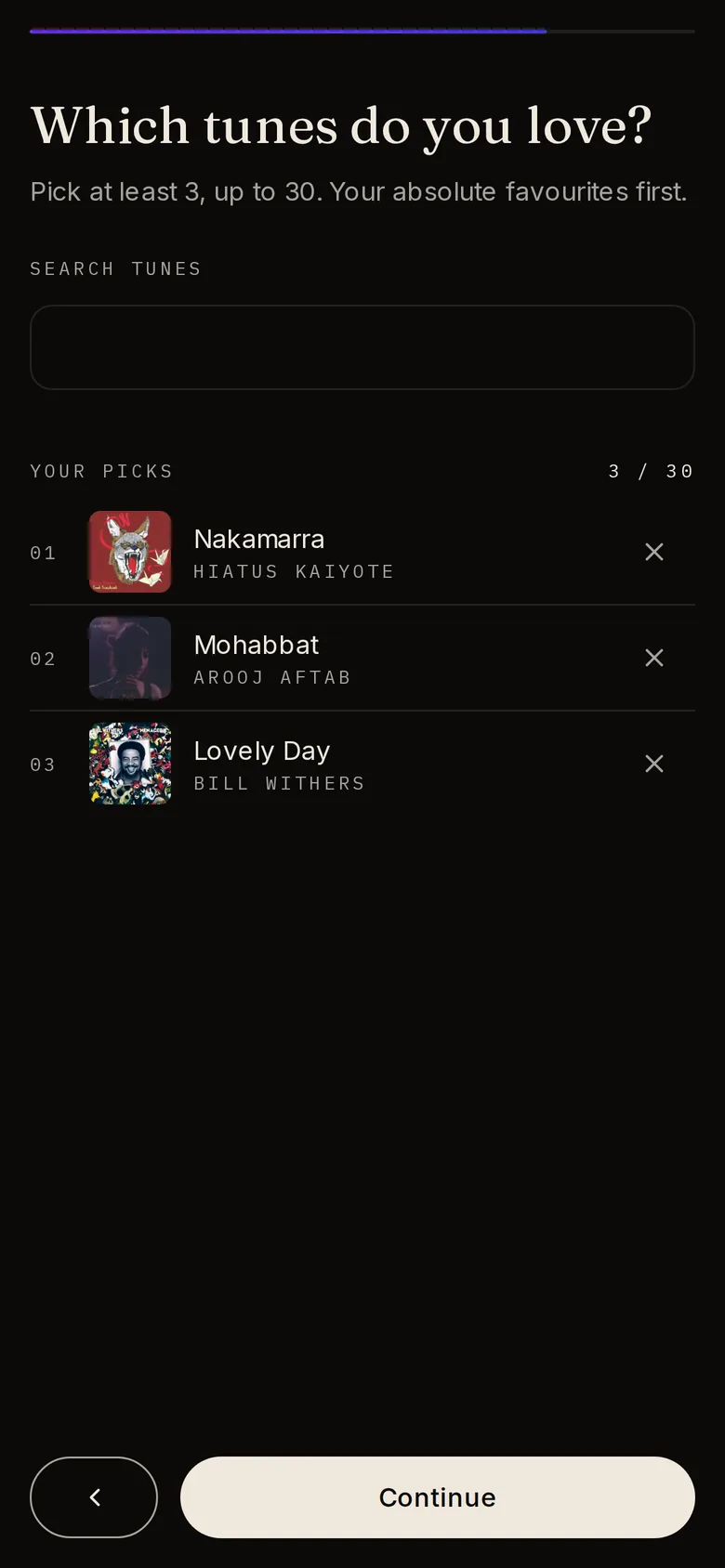
Choose your Tunes
Search the whole catalogue and pick the Tunes you love, your absolute favourites first.
- 05
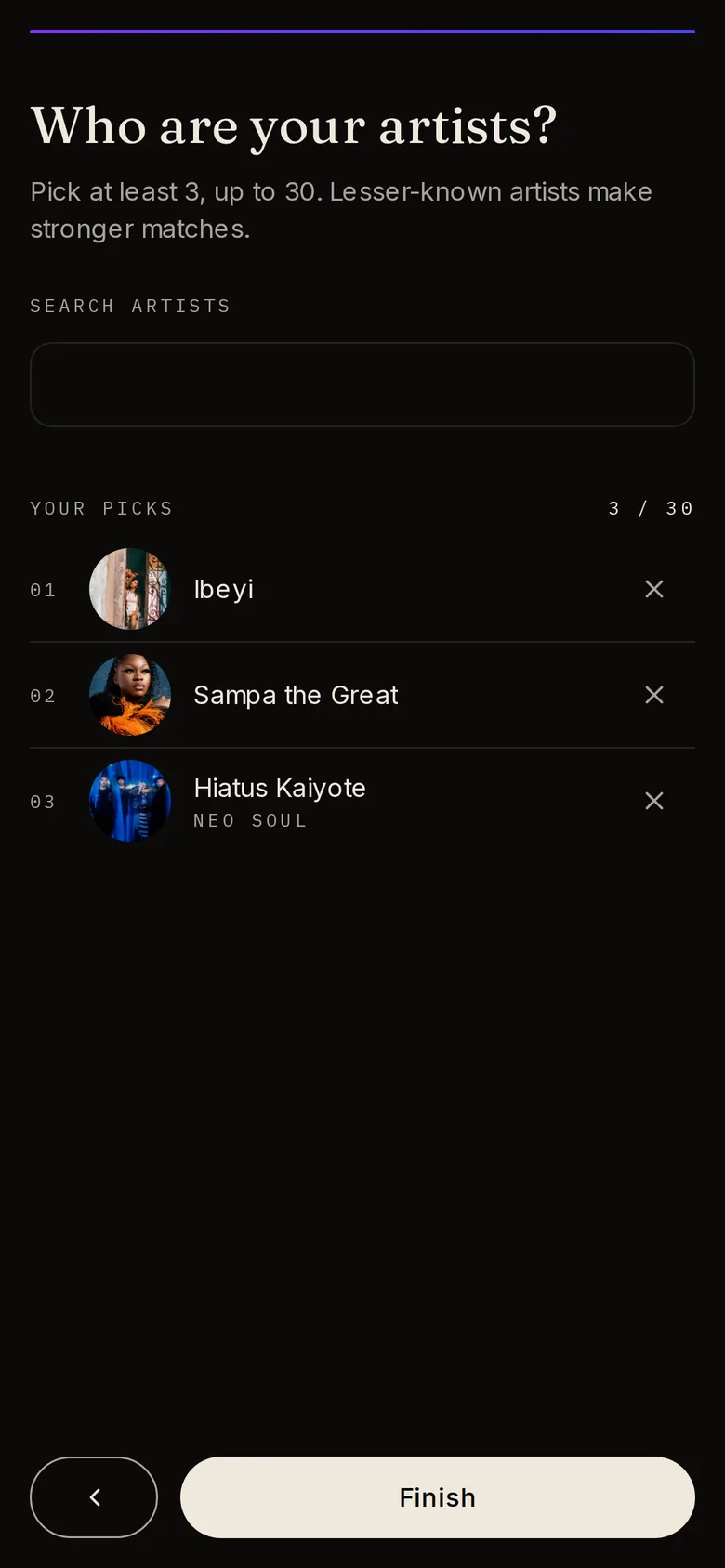
Then your albums and artists
Pick from your Tunes or search. Lesser-known artists make stronger matches.
- 06
Meet your closest matches
TuneFirst finds your people while you watch, and your Galaxy opens with the best matches nearest to you.
If you choose dating, three more cards ask who you would like to meet, an age range, and what you are looking for.
Why we ask instead of importing
Listening history tells us what you have heard. The music you choose tells us who you are.
Most music services build a taste profile from what played. That history is full of noise: songs you skipped, the playlist you forgot to turn off, the radio in a shop. TuneFirst asks you to choose, because choosing is the signal.
So when two people match on TuneFirst, they match on things they both picked on purpose. Matching only uses the music on your profile. Connecting Spotify is optional; it helps with recommendations on the Music page and lets you export mixtapes.
What happens next
Your Galaxy is the start. From there everything is a click away.
- 01
Explore the Galaxy
Select anyone to see what you share, open their profile, or connect.
- 02
Send a note
Connect with a few words about music you share. If they reply, you are connected and a chat opens.
- 03
Keep adding music
Change your picks any time. Your matches refresh when your music changes.
- 04
Do things together
Make a mixtape, mark a show as Going, write a review, or switch on dating mode if you want it.
It starts with your favourite Tune.
Sign in with Google, Spotify or email. TuneFirst is free.